 DigitalQRCard
Digital Business Cards for Real Estate Agents: From Open House to Closing
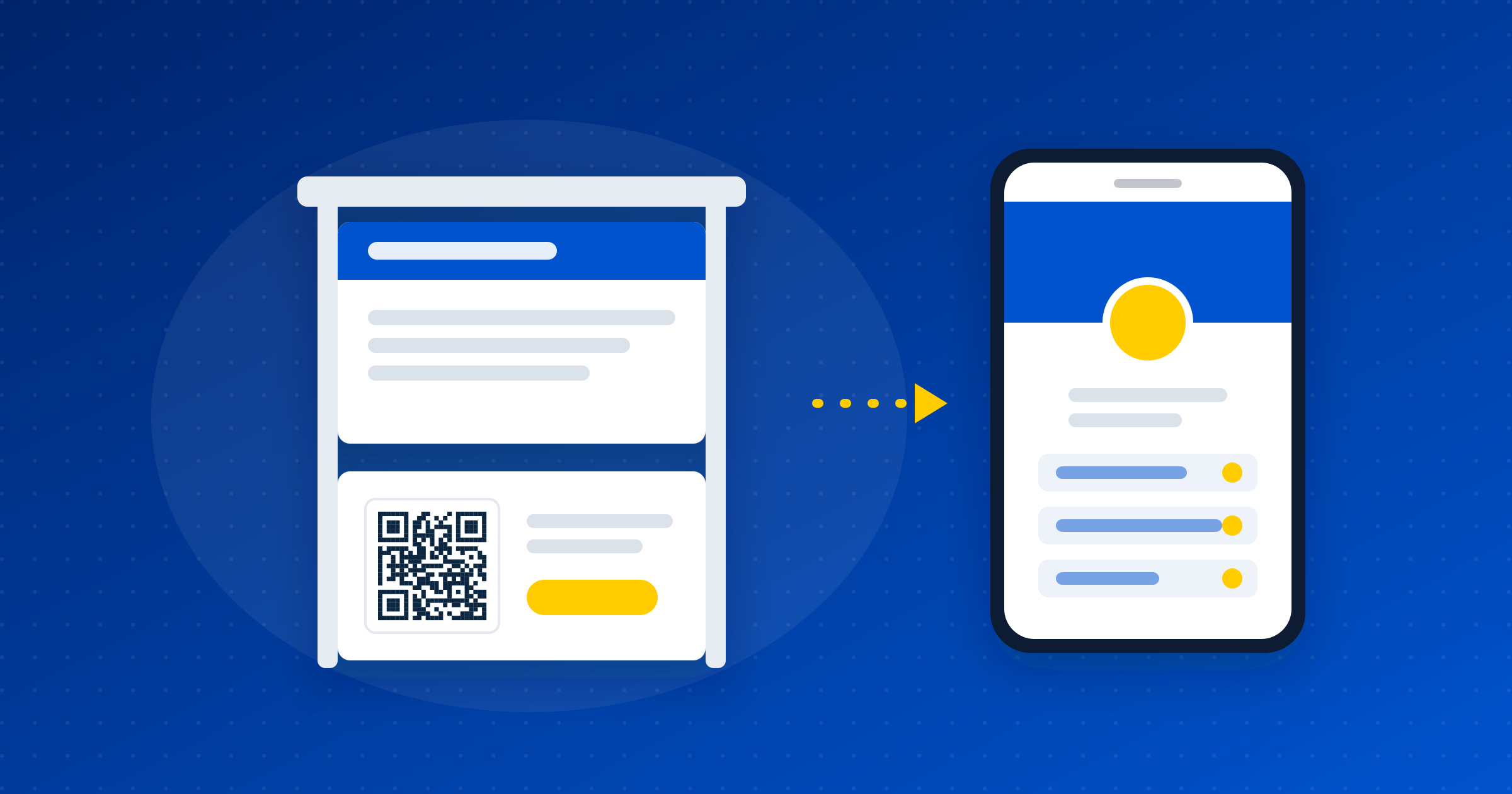
Real estate is the profession where a business card has to do five jobs at once: sign rider, open house signup, listing flyer, social media bio, and post-close referral. A paper card does one of those well. A digital card with a QR can do all five if you set it up right.
This post is a tactical walkthrough. I'm not selling you on the concept. I'm assuming you already get why a digital card makes sense for an agent (brokerage changes, contact info updates, lead capture, no reprints) and skipping straight to how to use one across your actual workflow.
I'll use Digital QR Card for the examples because it's what I know best. The tactics work on any digital business card platform.
Why agents get more out of this than any other profession
You hand out 50 or more cards per open house. The average professional hands out 50 in a year.
You change brokerages on a 2 to 3 year cycle. Every change means new paper cards, new flyers, new everything. A digital card updates in 10 seconds.
Your contact info matters more than your name. People save your card so they can find you when they're ready, sometimes 18 months later. If your phone number on the card is outdated, you lose the deal.
You need lead capture, not just contact sharing. A scan that captures the prospect's email before they save you is worth real money. Paper cards can't do this.
You operate across social channels (Instagram, Facebook, LinkedIn, TikTok) where a single shareable link does more work than any of those platforms' native profiles.
Use case 1: The sign rider QR code
The "For Sale" sign with a QR rider underneath is the highest-value placement in real estate. Someone driving past a listing scans the QR, and instead of getting just the listing on a third-party site, they land on your card with your contact, your active listings, your reviews, and a one-tap save-to-contacts.
How to set it up:
- Create your card with your photo, name, license number, brokerage, phone, email.
- Add a "Current Listings" section that links to your active inventory (your IDX page or a custom list).
- Generate the QR code from your dashboard.
- Order a sign rider with the QR printed at minimum 1.5 inches square. Smaller than that and phones can't scan it from a moving car.
- Test it from 10 feet away with your own phone before you stake it.
What this does: a passerby who would have driven past and forgotten now has your contact saved on their phone before they get home. The lead-capture form on the scan catches their email if they fill it out.
Use case 2: Open house follow-up
The traditional open house sign-in sheet on a clipboard captures maybe half of the actual visitors and the handwriting is illegible on a third of those. A QR on a tabletop card or printed on the sign-in sheet gets you better data with less friction.
How to set it up:
- Put a tent card on the entry table with the QR and the text: "Save my contact. Get listings sent to you."
- Enable lead capture on your card (paid feature). When visitors scan, they're prompted to enter their email and an optional message before they see your card.
- Each form submission triggers a notification email to you with the lead's contact info.
- The day after the open house, export the leads as a CSV from your contacts dashboard and import into your CRM. Send your follow-up email from there.
What this does: every visitor who scans and submits the form is in your contacts list the same day, with their email and any note they left. Compare that to the clipboard.
Use case 3: The listing flyer
Most listing flyers waste 20 percent of their real estate on a photo-name-phone-email block in the corner. Replace it with a QR.
How to set it up:
- Use your main card QR. Per-listing tracking QRs are on our roadmap but not shipped yet, so for now the same QR covers every property.
- Put the QR in the corner of the flyer with two words next to it: "More info."
- Print smaller flyers. The space you save on the contact block lets you fit better photos or more rooms.
The flyer becomes a brochure that points to a digital experience instead of being one. Visitors who take the flyer home are more likely to scan it the next day than they are to type your URL.
Use case 4: Social media bio
Instagram lets you put one link in your bio. So does TikTok. Facebook lets you put one. LinkedIn limits how prominent custom links are. Your digital business card replaces every "linktree-style" workaround.
How to set it up:
- Build your card with a featured section that includes: active listings, recent sales, reviews, and a "Book a call" button.
- Use a custom URL slug (paid feature) so the link in your bio reads
digitalqrcard.com/your-nameinstead of a random string. - Put the same link in your Instagram, TikTok, Facebook, and LinkedIn bios.
- Check your analytics dashboard weekly to see scan volume by country and device. UTM-by-channel tracking is on the roadmap but not shipped yet.
One link, every channel, full control of what visitors see when they tap.
Use case 5: The post-close referral
Closing gifts are the moment your client is happiest with you. A small printed card with a QR on it, tucked inside the closing gift box, costs nothing and asks for the referral in a way that doesn't feel pushy.
How to set it up:
- Print a small card (3.5 x 2 inches) with your photo, a short thank-you note, and a QR.
- The QR can point to a special "referral landing" version of your card with copy like "Know someone buying or selling? Scan to share my info."
- Include it in every closing gift.
The math: if 1 in 10 closing-gift recipients shares your card with one person who eventually transacts, that's a meaningful chunk of your pipeline at almost zero cost.
Setup walkthrough: 10 minutes from signup to printed sign rider
This is the end-to-end first-time flow.
- Sign up at digitalqrcard.com. Free tier works for the card itself, but lead capture, analytics, and custom URL slug need a paid plan or the $45 lifetime founding-member rate.
- Upload your headshot. Use a square crop, light background, at least 800 pixels.
- Fill in name, brokerage, license number, phone, email. License number is required in most states on any contact-sharing material.
- Add your social links (Instagram, Facebook, LinkedIn).
- If you have an IDX page or a current-listings page, add it as a featured link.
- Upgrade to founding member ($45 lifetime) if you want lead capture and analytics. Both are essential for the open house playbook above.
- Enable lead capture in settings once upgraded.
- Download the QR code from your dashboard. Choose the SVG format for print, PNG for digital.
- For a sign rider: send the SVG to your sign company along with "minimum 1.5 inches square." Most sign companies (Lowen, ABCO, FastSigns) can produce a custom rider in 3 to 5 business days.
Total time from signup to scannable card: about 8 minutes. Add 3 to 5 business days if you're ordering printed signage.
Compliance: what your state and brokerage require
Real estate is regulated, and a digital business card is treated as advertising in most jurisdictions.
State requirements vary. The common ones: agent name as licensed, brokerage name, brokerage license number, and the agent's license number must all appear on any consumer-facing contact material. Some states (California, Texas, Florida) have specific font-size or prominence rules.
Brokerage rules layer on top of state rules. Most brokerages have brand guidelines: which logo to use, which colors, which disclaimer text. Some require pre-approval of advertising materials, which includes digital cards.
Quick checklist before you publish your card:
- Your license number is visible on the card
- Your brokerage name and license number are on the card
- Any required state disclaimer is included (check your state's real estate commission site)
- You've shown the card to your broker for sign-off if your brokerage requires it
Don't skip this. State commissions do issue fines for advertising violations and they treat digital cards the same way they treat printed cards or signs.
What this costs
The card itself is free or $45 lifetime on Digital QR Card. The sign rider QR is $15 to $40 from most sign companies. The tent card for open houses is $5 to print at Vistaprint. The closing gift card is pennies per piece.
Total upfront cost to run the full playbook above: under $100. Recurring monthly cost on lifetime: zero.
Compare that to 250 paper cards from a printer ($30 to $80) that have to be reprinted every time you change brokerages, plus the reality that most of those cards get thrown out within the week.
If you're a real estate agent who wants to get this set up: start free at digitalqrcard.com, or grab the $45 lifetime founding-member rate for multi-card, analytics, and lead capture.